ad tracking software
Ad Tracking Software for Competitors: 8 Tools Compared
Compare 8 ad tracking software options for Meta, TikTok, and multi-network competitor monitoring. See coverage, alerts, free tiers, and real trade-offs.
Updated October 30, 2026
A marketer who checks a competitor's Facebook ads every Monday is doing useful research, but not ongoing ad tracking. If the same ads disappear, a new offer appears, or the landing page changes between checks, a search you repeat by hand can easily miss the shift.
Ad tracking software can mean two different things: tools that let you search an ad database, and tools that save observations over time, track selected brands, or send alerts when activity changes. A search result is a snapshot, not a record of everything a competitor has run or proof that an ad performed well. The distinction matters because third-party tracking is still common: the HTTP Archive's 2024 Web Almanac found at least one tracker on 95% of desktop websites and 94% of mobile websites. That broad presence doesn't make any single tracker's view complete.
For repeat checks, look for saved research, dated snapshots, change alerts, and useful history. Then check channel coverage, team workflow, and whether the tool labels missing or estimated data clearly. The tools below are judged on whether they help you return to the same competitors and see what changed, not just on how many ads they claim to index.
Table of Contents
- 1. AdLibrarySpy
- 2. Foreplay
- 3. AdSpy
- 4. Minea
- 5. BigSpy
- 6. PiPiADS
- 7. WinningHunter
- 8. Meta Ad Library
- How the ad tracking software options compare on coverage, free access, and tracking
- Choosing the Right Tracking Setup for Your Team
1. AdLibrarySpy
AdLibrarySpy brings store discovery, Meta ad research, and competitor monitoring into one free workspace. Its directory indexes 14.7 million stores, with filters for platform, category, traffic, growth, country, apps, and tracking pixels. For an ecommerce researcher, that means you can start with a product niche or store profile, then inspect the brand's advertising without rebuilding your notes across separate tools.
The searchable Facebook and Instagram ad library shows creative, copy, landing pages, placements, and run dates. Store profiles bring together traffic history, visitor locations, products, detected technology, advertising activity, and similar shops. That context helps answer practical questions such as whether a competitor's new creative points to a new product, or whether its store already has related offers.
Built for repeat checks
Brandtracker is the key difference between a one-off search and ongoing monitoring. Add a store to see snapshots of traffic and ad activity, save the feed to your workspace, compare it with competitors, and receive an email when tracked activity changes. Shared collections and team workspaces keep research available to colleagues, while weekly reports surface notable store and ad activity. Compatible AI assistants can also search records and manage tracked brands through MCP access.
Practical rule: Treat a change in a public ad record as a research lead, not as proof of a competitor's sales or campaign results.
AdLibrarySpy doesn't report modeled revenue, ad spend, or exact impression counts, and unavailable figures are omitted rather than estimated. Its ad coverage is limited to Meta, so it won't replace a TikTok or Google research tool. But for ecommerce teams that want store discovery and repeat Meta checks in one place, its free access to tracking, team features, reports, and AI access makes it straightforward to test.
2. Foreplay
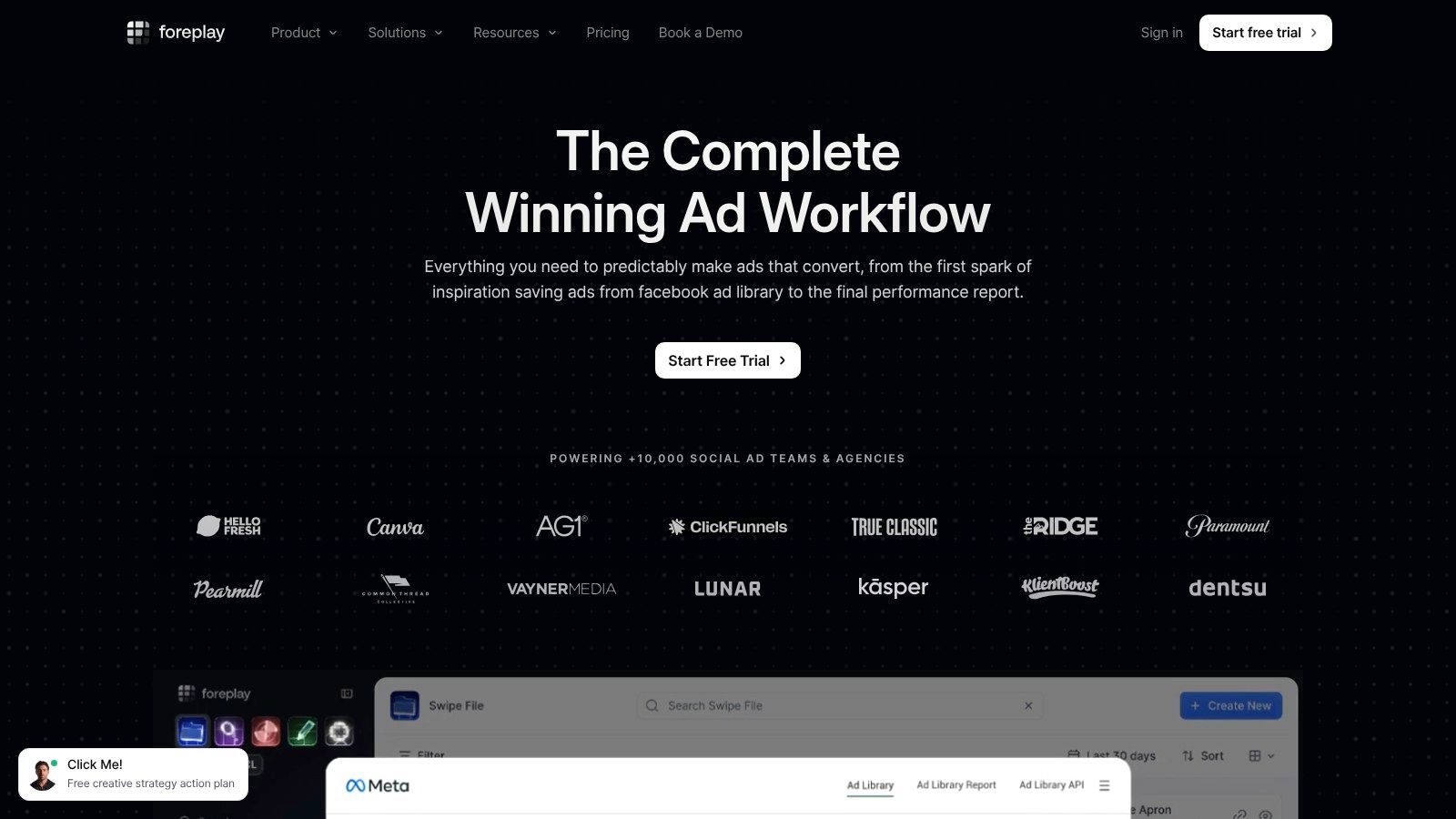
Foreplay suits teams that want competitor research to feed directly into creative planning. Search ads, save examples to shareable boards, and organize references with folders, tags, and comments. That makes it easier for a strategist to hand a designer a specific competitor ad, its copy, and the reason it caught the team's attention, rather than sending scattered screenshots.
A creative workflow with monitoring attached
Foreplay's Spyder feature tracks selected brands' Meta ads and retains historical records. That history and landing-page information make it more useful for repeat research than a library where each search stands alone. Teams can use the timeline to review changes, then collect promising examples into a shared board and turn them into briefs.
The trade-off is scope. Foreplay's competitor monitoring centers on Meta, rather than providing broad tracking across every ad network. Spyder brand limits and access vary by plan, so a small team following many competitors should confirm that its intended list fits before committing. Supported plans also offer MCP or API connections for teams that want to bring research into other tools.
Foreplay is a good fit when the output of competitor research is a creative reference, brief, or team discussion. It's less compelling if the main need is to monitor a large list of brands across multiple networks. For a closer look at comparable options, see these Foreplay alternatives.
3. AdSpy
AdSpy is a Meta ad search tool for researchers who want to investigate offers, advertisers, landing pages, and audience reactions. Its filters cover ad text, advertiser, URL, media type, country, language, and other attributes. For affiliate-oriented research, or for finding ads built around a particular offer, that level of search control can be more useful than a broad but shallow network list.
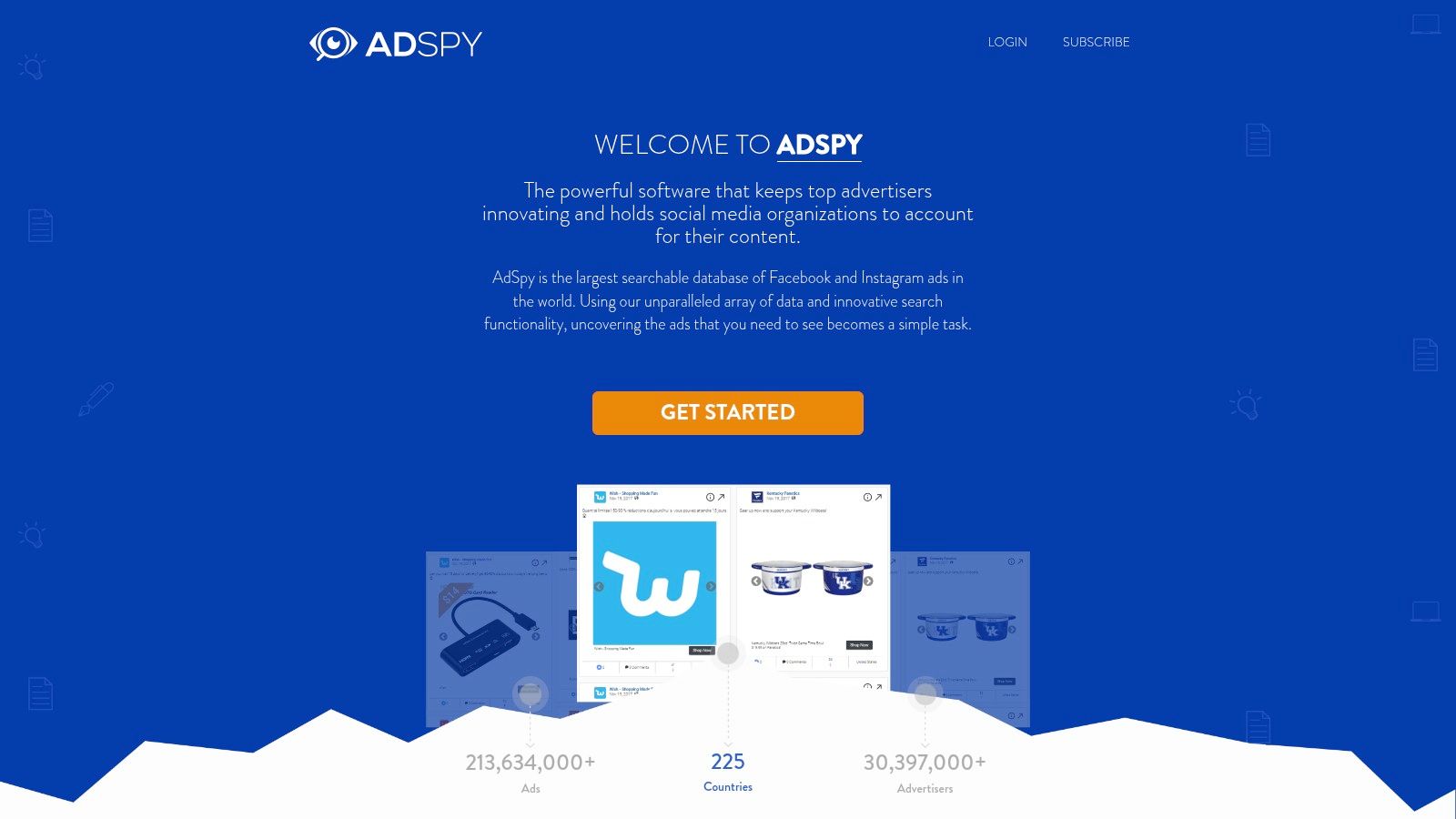
The comment-search feature is a practical differentiator. Search reactions and brand mentions to find questions customers ask about an offer, objections they raise, or details that could inform new copy. That's a research signal, not a representative customer survey, and comments don't establish whether the ad generated profitable sales.
Search signals aren't campaign results
AdSpy can sort and filter by signals such as when an ad was last seen and how long it has run. Those details help researchers build a picture of recurring creative patterns, but they shouldn't be confused with a dependable alerting system or a complete record of every change. Its emphasis is on searching the database; teams that need a structured monitoring feed should check how its current workflow fits their routine.
The service focuses on Facebook and Instagram rather than multi-network monitoring. Its advertised flat-rate approach and broad search controls may appeal to researchers who run repeated searches, but performance or demographic indicators should be treated as estimates, not as the advertiser's actual results. Use what you find to generate hypotheses, then verify the creative and landing page before building a brief. If the next step is making creative variations, create variations of existing ads.
4. Minea
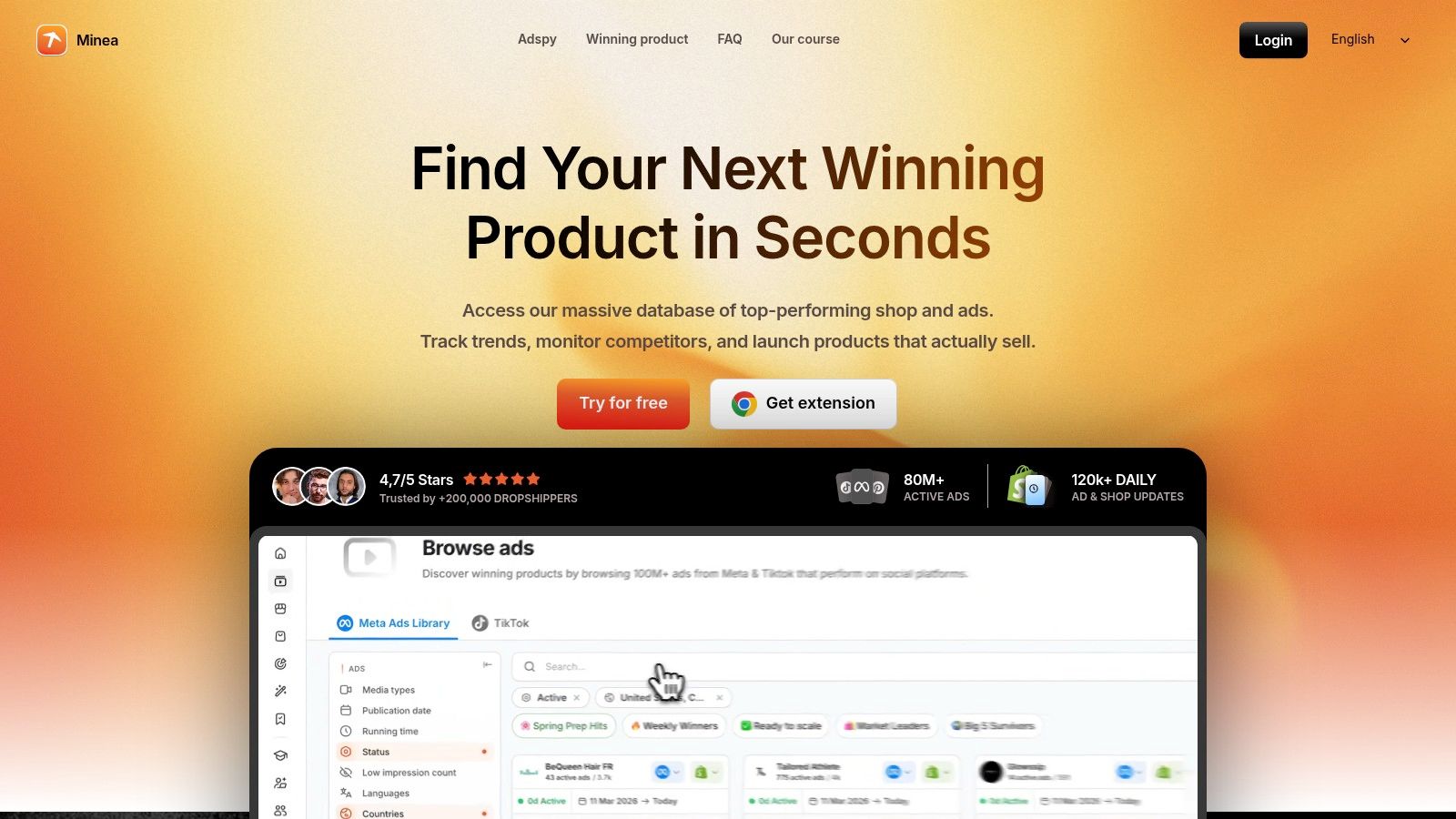
Minea connects Meta ad discovery with ecommerce product and shop research. That combination can help when the question isn't only “What creative is this brand running?” but also “Which products and stores are showing up in this category?” Search ads alongside products and shops, then use the findings to decide which competitors deserve closer observation.
Useful for discovery, plan-dependent for monitoring
Minea offers brand tracking and notifications on eligible plans, which makes it more than a search-only database for users with access to those features. Daily niche lists can support product and category exploration, while AI analysis, transcripts, and Magic Search can help narrow a research session. Those AI features have plan-dependent limits, so frequent users should assess their likely usage rather than assuming every tier includes the same capacity.
The platform's product-discovery angle is its main advantage for ecommerce operators. You can use it to find potential products and shops, then follow selected brands if your plan supports the monitoring features you need. That makes Minea more relevant to a founder testing product directions than to an agency whose primary need is organizing a large client-by-client archive of creative work.
Check network coverage against the actual channels you monitor. The current ad listing centers on Meta, and availability elsewhere should be verified before treating Minea as a multi-network solution. Higher research and tracking capacity also requires a higher tier, so the lower-cost entry point may be better for exploration than for a busy team running systematic checks.
5. BigSpy
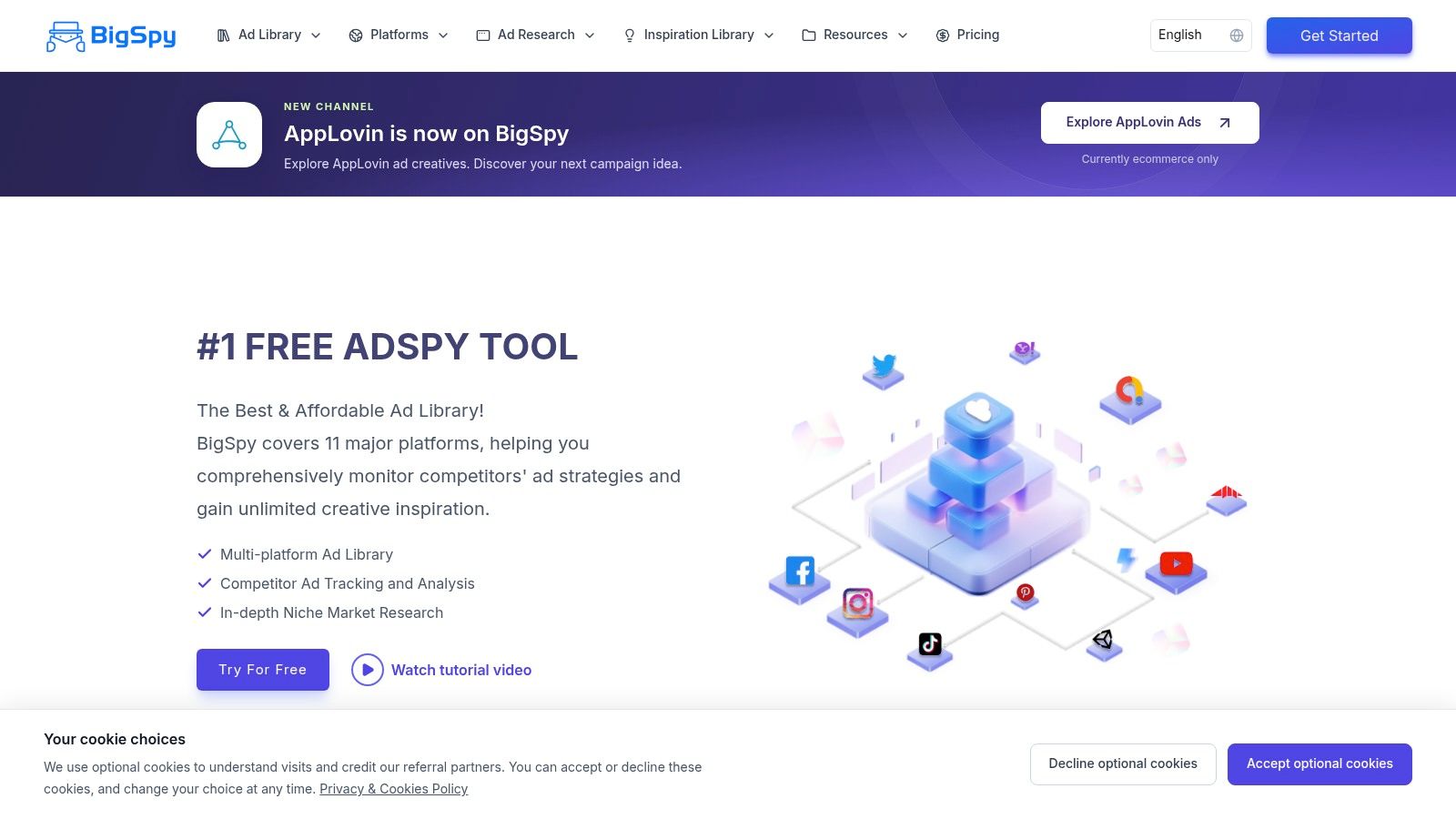
BigSpy is aimed at teams that want to search ads across multiple networks. Depending on the plan, its coverage includes Facebook, Instagram, TikTok, Google Ads, and YouTube. That breadth can help compare creative across channels, but it does not by itself show how well the platform supports repeat competitor checks.
Confirm the plan before building a process
BigSpy offers a free account, with paid tiers expanding platform access, research quotas, and team options. Users can filter ads, save or track selected creatives, and use visual-search or AI features where their plan allows. Team options vary by tier, so check which networks, research limits, and seats are included before moving a workflow into the platform.
The key trade-off is coverage versus consistent monitoring. A long list of supported networks does not guarantee equal depth across them. If TikTok research matters to your team, check whether the results are relevant and whether the tracking functions you need are included. A free account can help assess search quality, but confirm the limits before relying on it for sustained checks.
BigSpy is a better fit when channel breadth matters more than an ecommerce-focused research workflow. Teams that need consistent history, filters, and tracking across networks should compare the features in their intended tier with these BigSpy alternatives.
6. PiPiADS
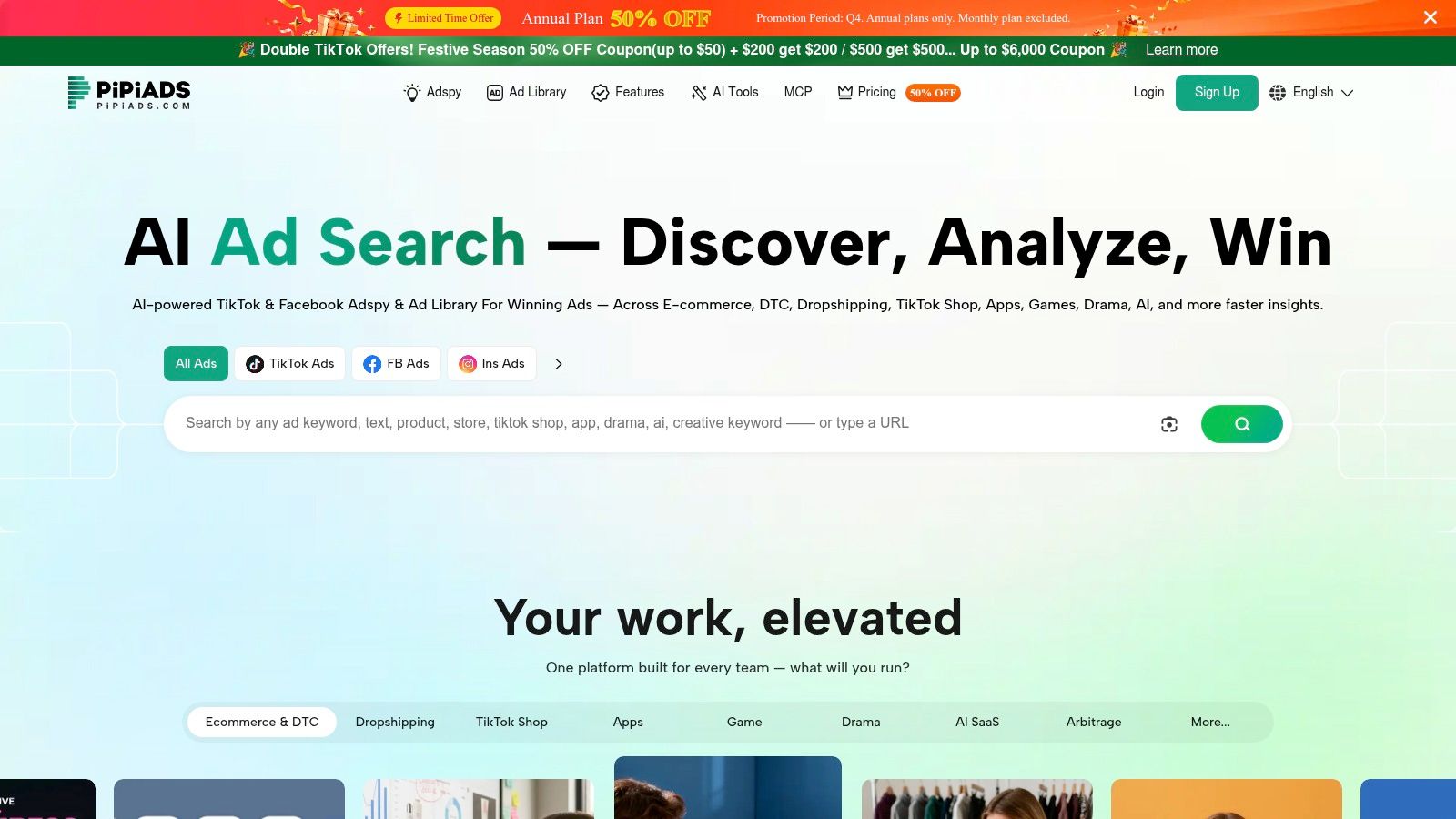
PiPiADS focuses on TikTok ad research and also includes Facebook ad data. That makes it a more relevant starting point than a Meta-only database when you're studying short-form social video or looking for products promoted through TikTok-style creative. Its product and competitor discovery features also give ecommerce researchers a way to move from a creative example to a broader product search.
Stronger for TikTok discovery than universal monitoring
PiPiADS combines ad search with product research and offers ad tracking, though advertiser or item limits depend on the plan. Detailed records and searches can use credits, which affects how well the service holds up during intensive research. A casual search may fit a limited-access option, but a team repeatedly comparing many brands should pay attention to how credits are consumed before depending on it for daily work.
The tool's value depends on your channel mix. If TikTok is central to your category research, its focus is useful; if your competitors mainly advertise through Google or other networks, the coverage won't solve that gap. Facebook data provides an additional research route, but this isn't a universal cross-channel monitoring system.
Use PiPiADS to investigate creative and product ideas, then separate observed activity from assumptions about demand. A promoted product or recurring creative can justify further research, but it doesn't reveal a competitor's actual spend or sales. Before adopting it as a tracking system, test whether the saved records and tracking limits support the cadence your team needs.
7. WinningHunter
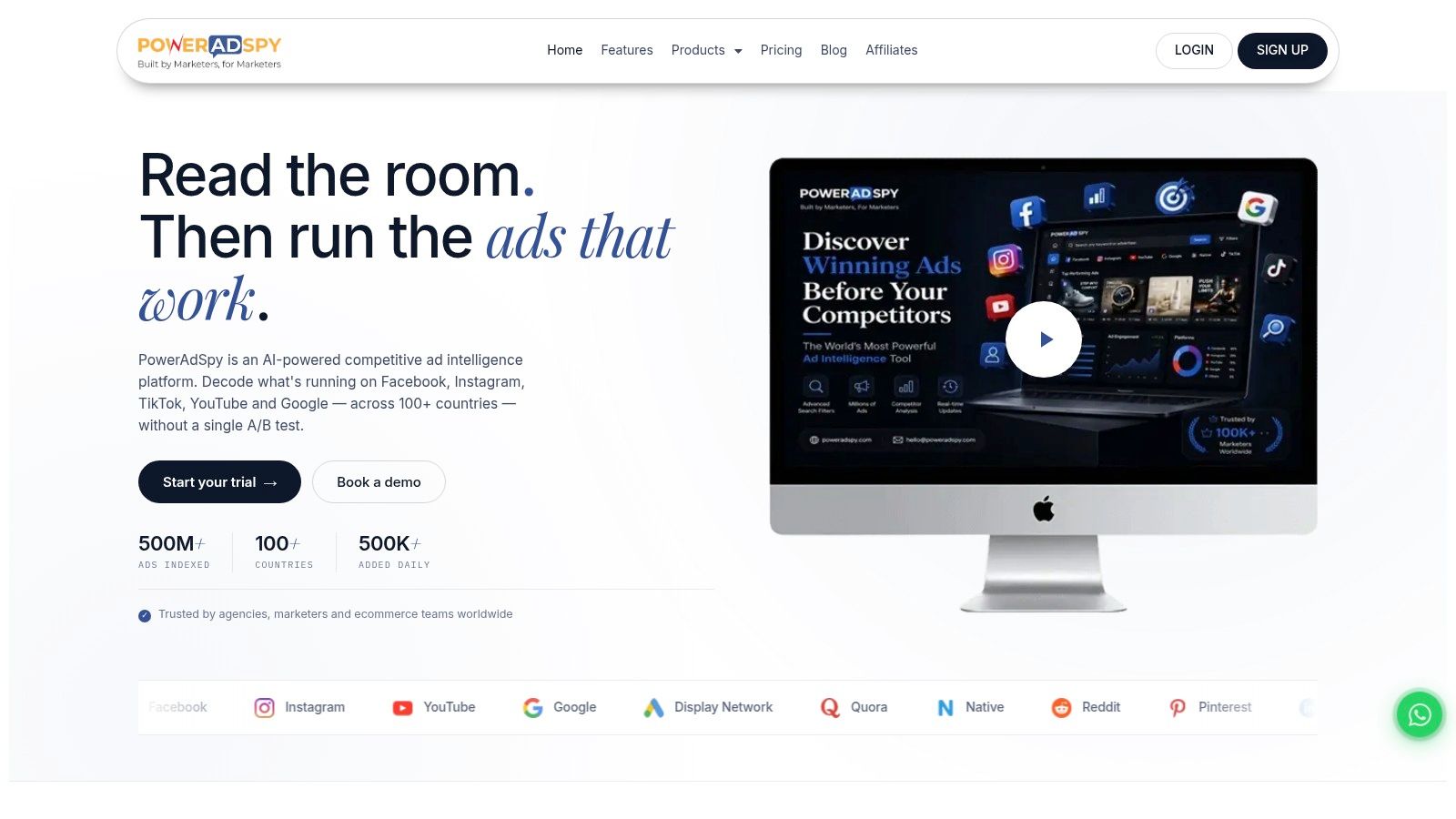
WinningHunter combines ad research with ecommerce store, product, and TikTok Shop discovery. Eligible plans cover Meta, TikTok, and Pinterest ads, giving ecommerce operators a broader view than a database focused solely on Facebook and Instagram. The ability to connect ads with products and shops is useful when you're looking for emerging offers, not just collecting creative examples.
Store and product research alongside brand tracking
WinningHunter offers brand tracking, with limits that vary by plan, plus Magic AI Search and a Claude MCP integration. API or MCP allowances also depend on the plan. That mix can support researchers who want to explore stores and products, save competitors for repeat checks, and connect searches to an AI-assisted workflow.
The main caution is plan scope. The lowest tier has limited tracked brands and features, and platform coverage and search filters vary across tiers. Don't assume that seeing a network named on a feature page means the plan you're considering includes the monitoring depth or research filters your team expects.
WinningHunter is worth evaluating if TikTok Shop research is part of your work or if you want store discovery and ad research in the same tool. Treat store and ad records as observations to verify, particularly before making decisions about a product or competitor. Its breadth can make exploration convenient, but a broad workspace still needs a repeatable process for checking changes and recording what you know.
8. Meta Ad Library
Meta Ad Library is the free, first-party place to search public ads across Meta properties. Look up a brand or keyword, inspect available creatives and details, and verify an example you found in another database. When a team needs to confirm that an ad appears in Meta's own public records, this is a direct verification step rather than a third-party interpretation.
A verification tool, not a full monitoring workflow
The Ad Library is useful for looking at what's publicly available, but it doesn't provide all the saved research, competitor feeds, email alerts, or team organization that paid research platforms may offer. You can return and search again, but that's not the same as a system recording changes between visits. Nor does a public ad record tell you a competitor's complete campaign results.
For an independent operator, the free first-party search may be enough to inspect a small set of brands manually. An agency or ecommerce analyst following many stores will likely want a separate way to save examples and compare activity over time. Use the Ad Library as a verification point when an ad-search tool surfaces a promising example, and as a direct source when you need to confirm a Meta ad.
It's limited to Meta, so it won't show you TikTok or Google campaigns. If you need a workflow around Meta searches, saved ads, and repeat competitor checks, compare it with these Facebook Ad Library alternatives. For inspiration while reviewing examples, explore ways to find inspiration for Facebook video ads.
How the ad tracking software options compare on coverage, free access, and tracking
For recurring competitor checks, the key distinction is whether a tool preserves changes and alerts you, or mainly helps you search ads during a visit. The table compares each option's coverage, access model, and monitoring features.
| Item | Platform coverage | Free access | Brand or competitor tracking | Best for |
|---|---|---|---|---|
| AdLibrarySpy | Facebook and Instagram ads, plus ecommerce store research | Free, including tracking and team features | Brandtracker saves snapshots of store traffic and ad activity and emails you when they change | Free Meta ad research, store discovery, and ongoing competitor monitoring |
| Foreplay | Meta ads | Paid tiers, with brand limits varying by plan | Spyder tracks selected brands' Meta ads | Creative research and team workflows |
| AdSpy | Facebook and Instagram ads | Flat-rate pricing | Search advertisers and ads, including comments; no ongoing tracking feature is listed | Detailed Meta ad and comment searches |
| Minea | Meta ad research | Starter plan available; free access is not specified | Brand tracking and notifications on eligible plans | Ecommerce product, shop, and ad research |
| BigSpy | Multiple networks, including Facebook, Instagram, TikTok, Google Ads, and YouTube; coverage varies by plan | Free account available | Track selected creatives; plan limits apply | Cross-platform ad research |
| PiPiADS | TikTok and Facebook | Limited free entry option | Ad tracking with plan-dependent limits | TikTok ad and product research |
| WinningHunter | Meta, TikTok, and Pinterest; coverage varies by plan | Free access available | Brand tracking with plan-dependent limits | Ecommerce ad, store, and product research |
| Meta Ad Library | Meta platforms | Free | Search ads by advertiser or keyword; it does not provide a full monitoring workflow | First-party checks of Meta ads |
AdLibrarySpy combines ad search with store-level monitoring: Brandtracker saves snapshots of a shop's traffic and ad activity, then sends an email when either changes. Foreplay and Minea also offer brand tracking, though access and limits depend on their plans. AdSpy is built around detailed Facebook and Instagram ad searches, while Meta Ad Library supports direct searches without the same ongoing tracking workflow.
The practical trade-off is between repeat monitoring and search depth or network coverage. Before choosing, check whether the tool tracks the brands and platforms you care about, and whether its free access includes the monitoring features you need.
Choosing the Right Tracking Setup for Your Team
A competitor's ad can look unchanged in a search result while its traffic, product range, or advertising activity shifts. Choose software based on whether your team needs to find examples once or keep a record of changes over time. Search-only tools help with creative research. Tracking tools add saved brands, snapshots, or alerts, though the available networks and monitoring limits vary by service.
For ecommerce research, look for links between ads, products, and store details. AdLibrarySpy combines store discovery, Meta ad records, traffic data, and Brandtracker snapshots, with email alerts when tracked activity changes. Foreplay focuses on creative organization and team handoff. AdSpy offers detailed Meta ad and comment searches. BigSpy covers multiple networks, while PiPiADS is geared toward TikTok research. Meta Ad Library is a free source for checking public Meta ads.
Test the monitoring loop, not just the search
Use a free option where available, and start with competitors your team already follows. Save several brands or ads, then check whether the tool makes it easy to return to them, identify changes, and share findings with colleagues. With paid services, compare your routine against the plan's network coverage, tracking limits, and quota rules.
A monitoring workflow is only useful if you can interpret its signals correctly. An ad record can show that an ad was observed, but it cannot establish the advertiser's sales, spend, or return. Treat an ad's apparent longevity, its comments, and rankings as research clues, not proof of performance.
Cross-channel comparisons require similar care. Public Meta activity shows only part of a brand's advertising, so use it to identify creative themes and timing rather than infer total budgets or business results. For research on traffic sources for nutra COD affiliates, distinguish the channels being discussed from what a Meta-focused ad record can show.
The IAB's State of Data work discusses the difficulties of comparing fragmented channels and inconsistent measurement. A 2026 systematic review of marketing measurement reports trade-offs in privacy-preserving methods and cautions that predictive attribution does not establish causality without experimental calibration. Record what the tool observed, note what it does not cover, and use experiments to assess incremental impact. Pick a setup your team can use consistently for repeat checks, not one with a long feature list.
AdLibrarySpy combines ecommerce store discovery, Meta ad research, and Brandtracker snapshots with email alerts when tracked activity changes. Use AdLibrarySpy to save competitor research in one workspace and make repeat checks easier.
More guides
Try AdLibrarySpy free
Search millions of stores and real Meta ads. No card, no trial — sign up with just your email.