spying on competitors
Spying on Competitors Ethically: A Practical 2026 Guide
Learn how spying on competitors stays lawful: use public store, traffic, product and ad data, and label what each observation actually proves.
Updated October 25, 2026

Most advice on spying on competitors tells you to find a long-running ad and copy its angle. That's backwards. A public ad shows you a creative, a date, and a landing page. It doesn't show spend, targeting, sales, or profit.
Useful competitor research starts with a stricter habit. Record what you saw, label how confident you are, and refuse conclusions the source can't support. That method is slower than collecting screenshots, but it's the difference between evidence and a folder of guesses.
Table of Contents
- Public Sources That Reveal a Competitor's Moves
- Reading Ad Libraries Without Overreading Them
- How to Build a Competitor Profile in Five Steps
- Where Competitor Research Crosses the Line
- Looking Past Ads to the Customer Journey
- Start Your First Competitor Check This Week
Public Sources That Reveal a Competitor's Moves
Start with the Meta Ad Library. It shows active and past Facebook and Instagram ads with creative, landing page, and run dates. It doesn't show spend or targeting, so treat it as a record of what was visible, not why it worked.
The storefront is usually next. You'll see the catalogue, prices, bundles, shipping thresholds, and returns promises any visitor can see. You won't see sales volume or margins, no matter how polished the bestseller badges look.
What Each Source Can and Cannot Prove
| Source | What it reveals | Where to look | What it cannot show |
|---|---|---|---|
| Meta Ad Library | Active and past ads, creative, landing page, run dates | Meta Ad Library, searched by brand or page | Spend, targeting, removal reasons |
| Competitor storefront | Catalogue, prices, bundles, shipping and returns offers | Homepage, collection and product pages | Sales volume, margins, stock levels |
| Public Shopify product feed | Product titles, variants, prices, images | The store's public product data | Reliable stock counts |
| Traffic estimators | Estimated visits, trend, traffic sources, visitor countries | SimilarWeb or similar tools | Exact visits or conversion rate |
| Technology detection | Apps and tracking pixels such as Meta Pixel and TikTok Pixel | Store profile in a tech-detection tool | Whether an app performs well or is paid for |
| Reviews and social channels | Customer language, posting rhythm, creator partners | Public reviews, Instagram, TikTok | A representative satisfaction rate |
A public Shopify product feed helps you track titles, variants, and prices over time. Don't treat it as inventory proof, because reliable stock counts aren't visible there.
Traffic estimators are useful for direction. Use a structured check of a competitor's website traffic to compare trend lines and visitor countries, not to quote exact visits in a planning meeting.
Technology detection adds context the ads miss. We detect the apps and tracking pixels on each storefront, including review, email, subscription, and tracking tools. That hints at how a store measures campaigns and retains buyers, though it can't prove any tool performs well.
Reviews and social channels give you customer language in the customer's own words. A handful of glowing reviews isn't a satisfaction rate, and a quiet week on TikTok isn't a strategy shift.
Practical rule: Every source in your notes needs a line for what it cannot tell you. Without that line, an estimate quietly becomes a measurement.
Reading Ad Libraries Without Overreading Them
An ad missing from the library isn't proof a competitor never ran it. A large ad count isn't proof the campaigns work either. Those two mistakes drive most bad conclusions in competitor research.
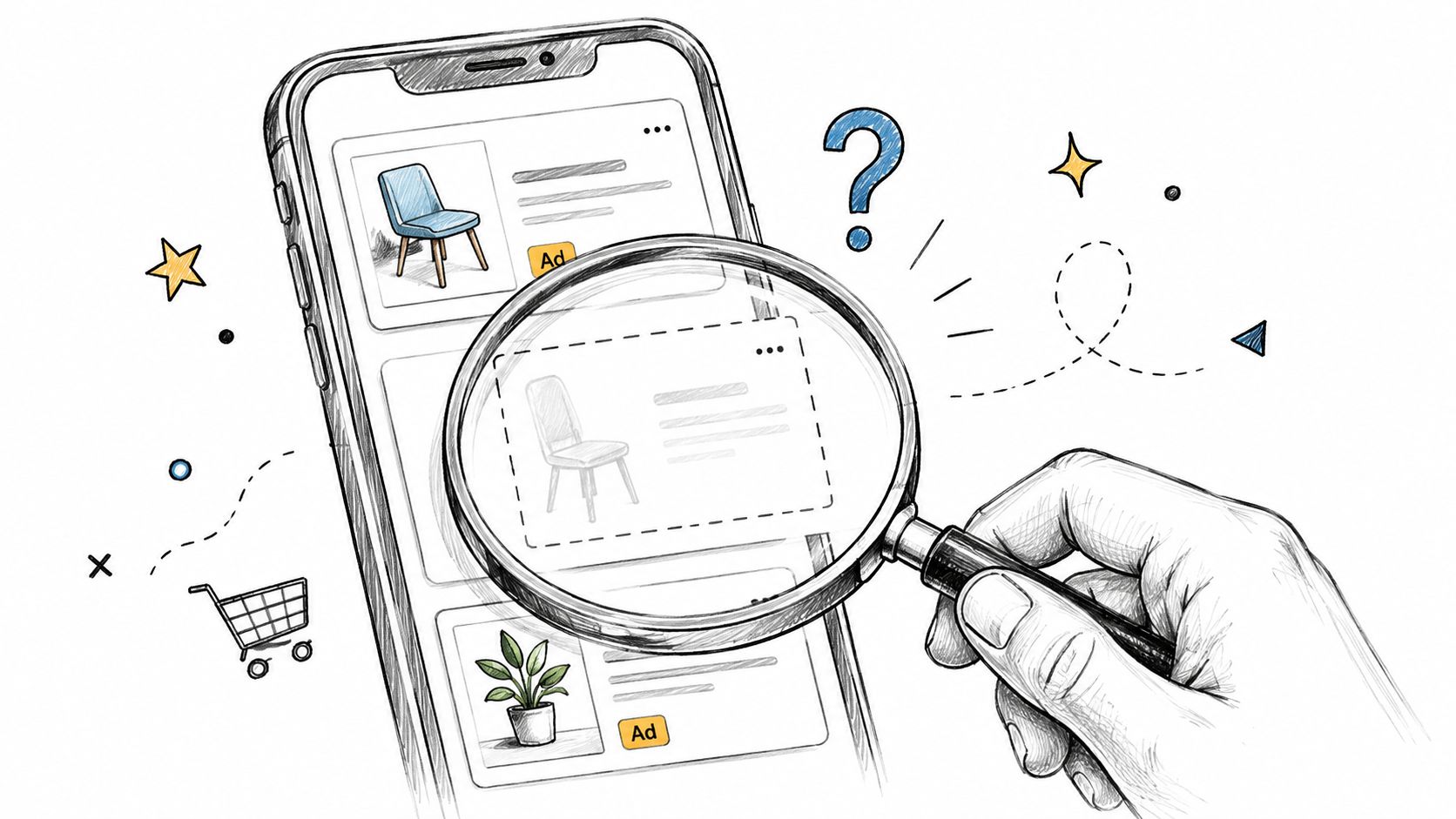
Independent analyses of Meta's transparency infrastructure found inconsistent data availability, weak traceability, and discrepancies between downloadable files and the public interface, with no reliable visibility into removal reasons, enforcement timestamps, targeting details, or engagement metrics, as documented in research on Meta's ad transparency failures. The same body of work notes comparability problems from search behavior, date filters, and active-ad defaults. In plain terms, two researchers can search differently and walk away with different records.
Label Every Observation Before It Reaches Your Notes
| Label | Use it when | Example | Do not conclude |
|---|---|---|---|
| Confirmed | The ad or page was seen live, with a date | Video ad live 14 March, landing page offers free returns | Anything beyond that date and view |
| Incomplete | Creative, copy or metadata is missing or unavailable | Carousel ad shows no media in the library | That the ad did not run |
| Inferred | Two or more independent signals point the same way | Bundle ads ran the same week traffic rose | Spend, profit or targeting |
| Not observed | No matching record after a clean, dated search | No Meta ads found under the brand name | That the competitor never advertised |
Three habits make those labels stick. First, keep first-seen and last-seen dates in a spreadsheet, because default filters change what appears when you search again. Tools for advanced Facebook ad searching help you narrow results, but your dated log is still the record you compare against.
Second, count distinct creatives apart from repeated copies. Five cutdowns of one video, or the same image with minor crops, aren't five separate campaigns. Repetition may show testing, duplication, or scaling, and the library alone can't tell you which.
Third, triangulate before you conclude anything. Check whether the landing page, product list, price, or traffic trend changed in the same window as the ad. A Confirmed observation tells you what was visible on a given date. An Inferred one needs at least two independent signals pointing the same way.
No confidence label supports a claim about spend, profitability, or targeting when the source doesn't disclose them. Write that above your spreadsheet where you'll see it.
That discipline sounds fussy until it stops a bad decision. If a carousel shows no media, label it Incomplete and move on. Don't rebuild your offer around a gap in someone else's metadata.
How to Build a Competitor Profile in Five Steps
Use a small candle brand with a Shopify store and paid Meta ads as the example. The same five steps work for skincare, pet products, or apparel, because the questions stay the same even when the products change.
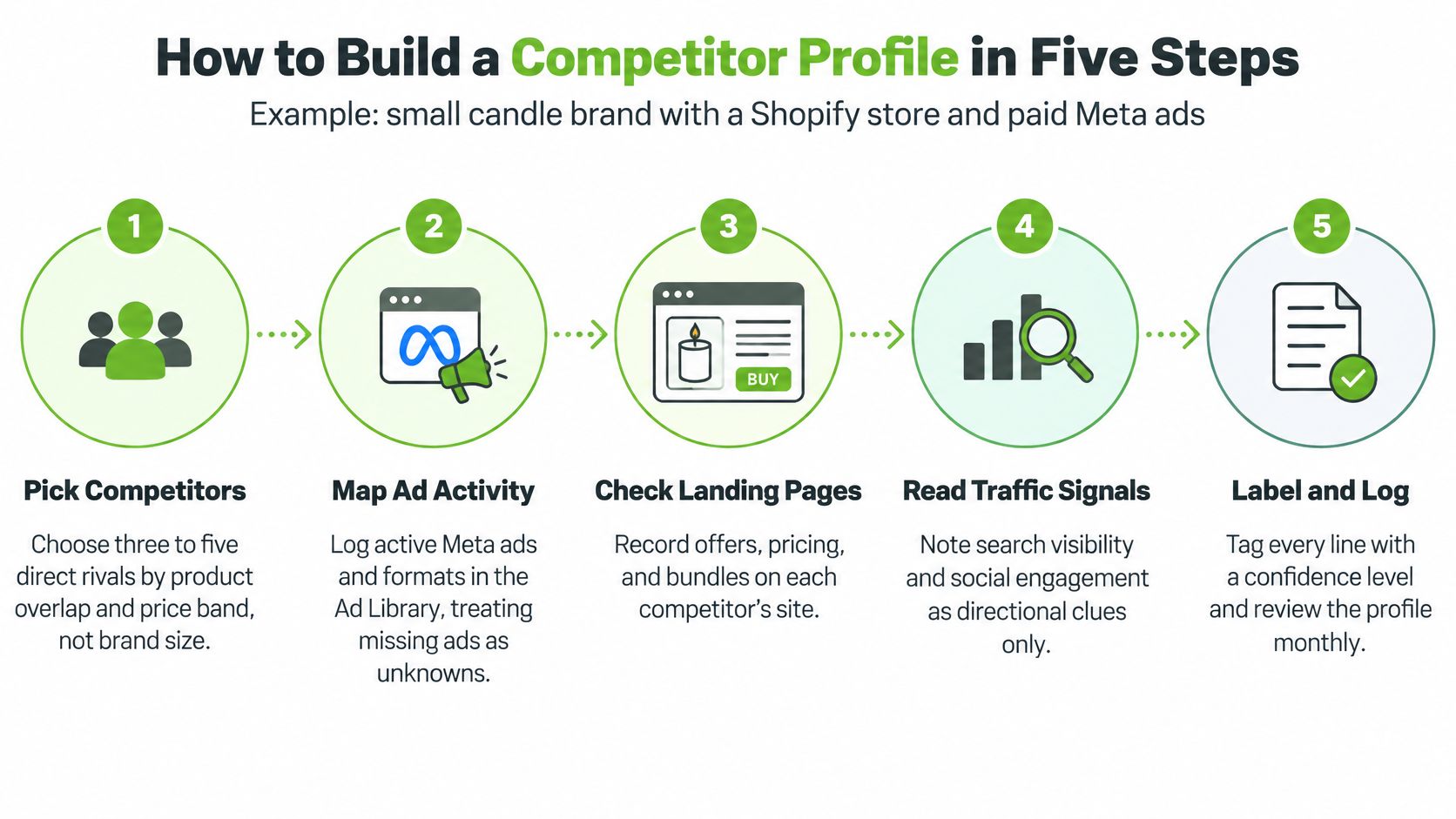
The Five Steps
-
Pick three to five direct competitors. Choose by product overlap and price band, not brand size. A store selling similar candles to similar buyers is a closer rival than a department store with a candle aisle, even if the department store is far bigger.
-
Capture the storefront on day one. Save dated screenshots of the homepage banner, top products with prices, shipping threshold, and returns promise. Stores change quickly and memory is unreliable, so this baseline is what later proves a change actually happened.
-
Search the Meta Ad Library by page name. Log every active ad with its first-seen date, format, and landing page. Count distinct creatives separately from repeats, and label missing media as incomplete rather than absent.
-
Check the traffic trend and visitor countries. Look for direction over time and signs of a new geographic focus. You're reading a trend line, not auditing their analytics, so don't write down estimates as if they were exact visits.
-
Record apps and tracking pixels. Note review widgets, email tools, subscription apps, Meta Pixel, and TikTok Pixel. Together they show how the store captures proof, follows up with buyers, and measures paid traffic after the click.
Step two is the one many teams skip, and it's the only one that proves a change happened. Without a dated capture, you'll argue from memory in a month about whether free shipping was always there.
Finish with a one-page profile where every line carries a confidence label. For example, "Bundle offer on homepage, Confirmed, captured Tuesday" is useful. "Bundles are their main growth driver" isn't, because nothing you collected can support it.
What good looks like: A profile a colleague could challenge line by line, with a date and a source behind every claim.
Keep the profile short enough to update. A five-page dossier nobody revisits is worse than one page you refresh each month and actually bring into decisions.
Where Competitor Research Crosses the Line
Public data is the line that matters most. Lawful research examines what any visitor can see, including storefront pages, prices, public ads, product listings, traffic estimates, and detected technology.
The U.S. Economic Espionage Act, enacted in 1996 and effective October 11 of that year, was the first U.S. federal law to criminalize theft or misappropriation of trade secrets, with Section 1831 focused on economic espionage benefiting foreign powers and Section 1832 focused on trade-secret theft for commercial advantage, according to the Congressional report on the Economic Espionage Act. That distinction still maps cleanly onto ecommerce research today.
Clear Red Lines
- Using someone else's login: Don't log into a competitor's account or use stolen or shared credentials.
- Opening non-public pages: Don't access staging sites, admin paths, or unpublished pages you weren't invited to view.
- Buying leaked material: Don't buy or accept leaked customer lists, supplier prices, or internal decks.
- Mining former employees: Don't ask a former employee for confidential plans or non-public data.
- Posing under false pretences: Don't pose as a buyer or partner to extract terms that aren't public.
A real test order sits on the right side of that line. Buying a product to examine packaging, delivery times, and checkout friction is ordinary customer research, because you're experiencing what any customer experiences.
Before using any tactic, apply one test. Would you do this openly, with your name on it, and would the competitor be surprised to hear about it? If the answer is no, stop.
This is general information, not legal advice. Laws differ by country, so check with counsel before cross-border work or anything that touches personal data, contracts, or platform terms.
Looking Past Ads to the Customer Journey
Ads are only one entry point, and shoppers don't live inside ad libraries. How people discover, compare, and buy now stretches well past the creative you screenshot.
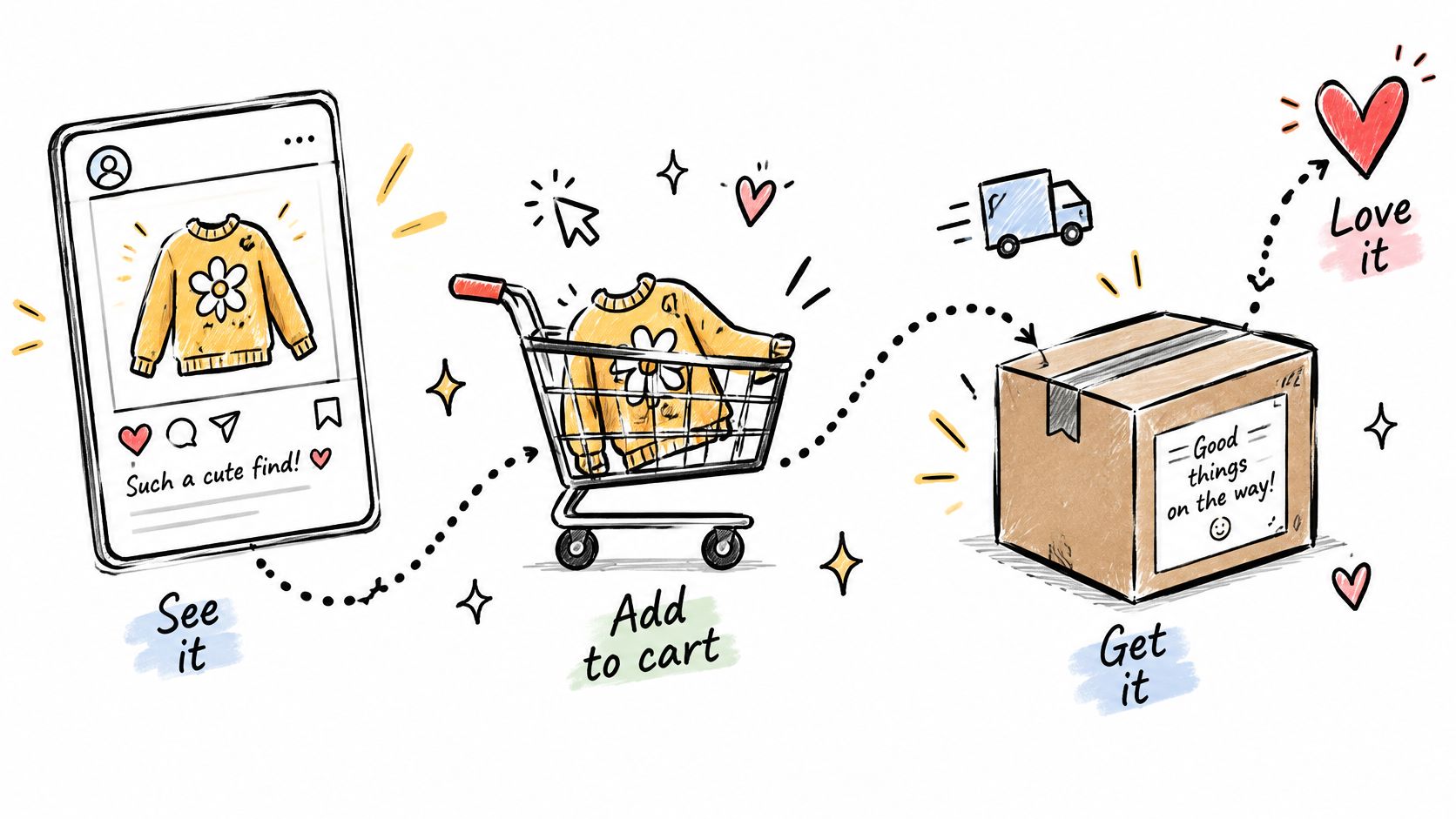
DHL's 2025 survey of 24,000 online shoppers across 24 markets found 70% had already purchased through social media, 70% expected social platforms to become their primary shopping destination by 2030, and seven in ten wanted AI-powered shopping features, as reported in DHL's 2025 ecommerce trends report. A creative can look ordinary while the true advantage sits in discovery, recommendation, conversation, or checkout.
Five Checks to Run Over Two Weeks
- Social shopping surfaces: Record whether products appear in social shops or creator content, not just paid ads.
- AI-readable product data: Search the product in an AI tool and read what it says. Clear titles, attributes, and reviews are easier for assistants to describe accurately.
- Creator versus brand content: Compare hooks, proof, and offers. Creators often say things the brand's polished ads won't.
- Mobile checkout friction: Walk through checkout to the payment step or place a real order, then note taps, forced account creation, and surprise costs. Learning how to find the landing page behind an ad makes this comparison cleaner.
- Speed of change: Watch how quickly offers or stock messaging shift after a seasonal event or promotion ends.
The short video below is useful context for how discovery and purchase now blend together across social surfaces.
Keep consumer demand separate from company adoption. DHL separately reported nearly half of surveyed ecommerce companies were integrating AI, with 61% adoption among B2B e-tailers in the same report linked above. A rival using AI tools isn't automatically winning, and shopper interest doesn't prove a specific store has built anything good.
Analyze competitors as evolving commerce systems, not collections of visible advertisements. The question isn't only which ad is winning. It's what journey they're building after someone taps.
Start Your First Competitor Check This Week
Pick two competitors and run the five-step profile on each. For a small set, that's an afternoon of work if you stay disciplined about labels and screenshots.
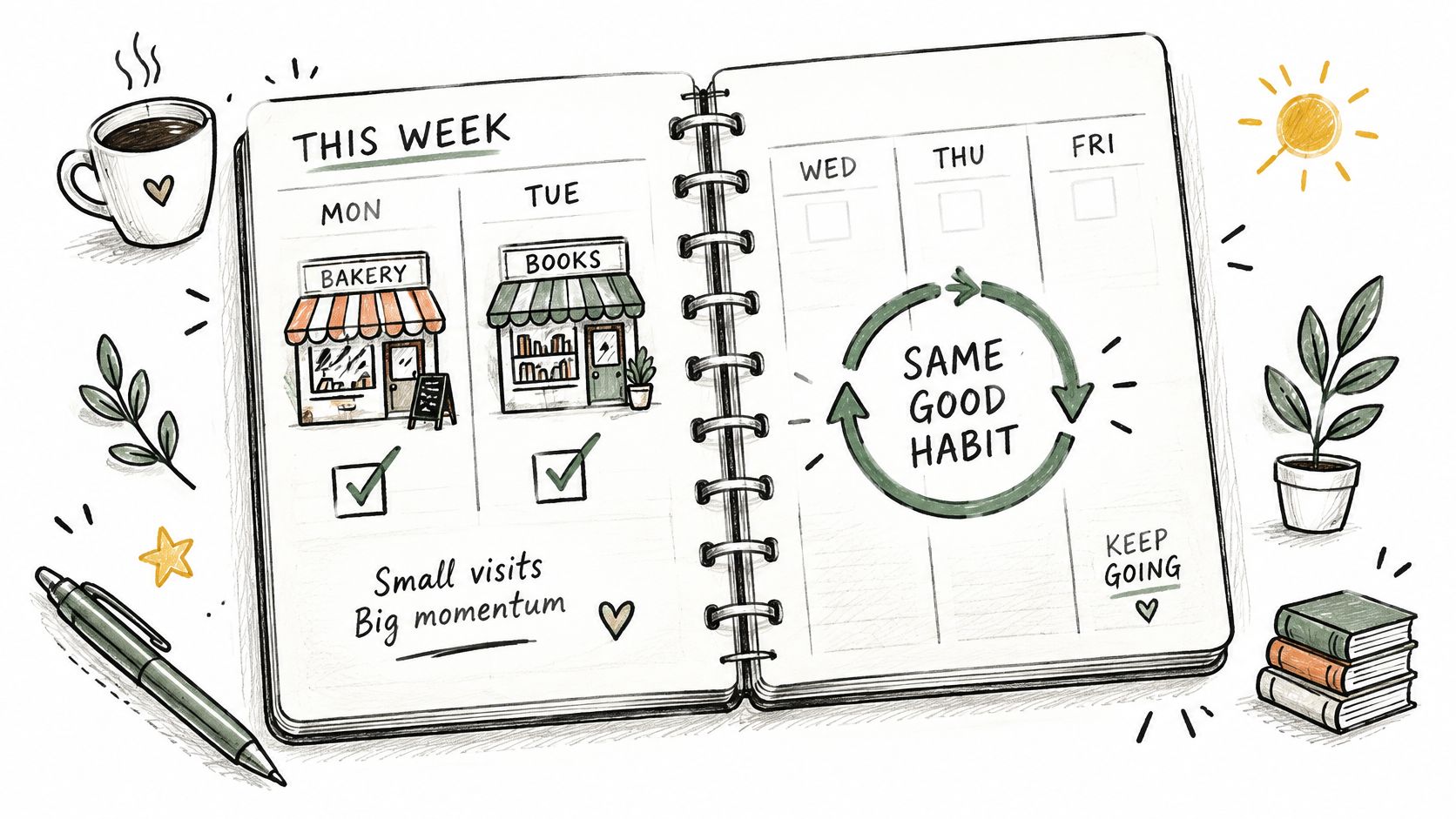
Turn the Audit Into a Rhythm
| Cadence | Check | Question it answers |
|---|---|---|
| Weekly | New and paused Meta ads for each competitor | Did they launch or stop a campaign? |
| Every two weeks | Product list and prices against your dated baseline | Did they add, drop or reprice products? |
| Monthly | Traffic trend and visitor countries | Are they growing or entering a new market? |
| Quarterly | Homepage, shipping and returns messaging | How has their positioning shifted? |
Once a baseline exists, the monitoring becomes repetitive. That's where a tool helps, provided you keep using the same labels on its output.
AdLibrarySpy offers a free store finder and store dossiers that combine traffic, products, apps, and live Meta ads in one profile. Brandtracker lets users add any store to track its traffic and ad activity through snapshots, and every feature is free, including shop search, the ads library, Brandtracker, team workspaces, the weekly report, and AI access. The store finder is free, with no card and no trial required, and registration uses an emailed six-digit code.
Keep the limits in view. Coverage is Meta platforms only, and figures a tool can't verify should stay omitted rather than modelled. A snapshot tells you something changed against your baseline. It still doesn't tell you the change was profitable.
Write your first confidence-labelled profile before your next planning meeting. Bring the confirmed lines, flag the inferred ones, and leave the guesses out. That's how spying on competitors turns into decisions instead of a folder nobody opens.
Start with two rivals, open their store dossiers, and compare their live Meta ads, products, traffic, and tech stack against your dated baseline in one place. Track them in Brandtracker so snapshots flag changes without another manual search, then bring your first confidence-labelled profile to your next planning meeting. Visit AdLibrarySpy to run your first free competitor check this week.
More guides
Try AdLibrarySpy free
Search millions of stores and real Meta ads. No card, no trial — sign up with just your email.